



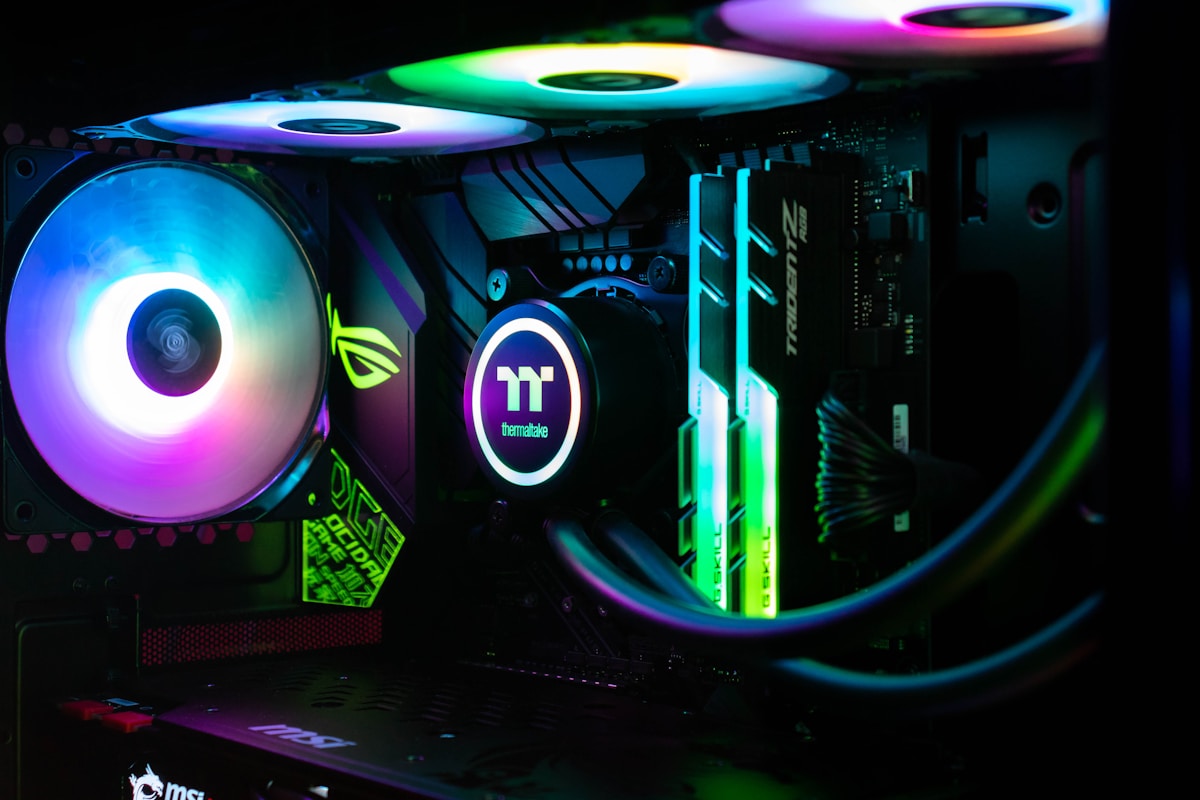
Building your own gaming PC in 2026 is more accessible than ever. Component prices have stabilized, PCIe 5.0 NVMe SSDs are mainstream, and DDR5 memory has become affordable. Whether you’re a first-timer or upgrading from an old rig, this step-by-step guide covers everything from choosing parts to powering on for the first time.
What You Need Before Starting
Before purchasing components, understand these core concepts:
- Socket compatibility: Your CPU and motherboard must share the same socket (AM5 for AMD, LGA1851 for Intel)
- Form factor: ATX, Micro-ATX, or Mini-ITX — your case and motherboard must match
- Power requirements: GPU TDP + CPU TDP + 150W buffer = minimum PSU wattage
Recommended Mid-Range Build ($900–$1,100)
| Component | Recommended Part | Est. Price |
|---|---|---|
| CPU | AMD Ryzen 5 9600X | $279 |
| Motherboard | MSI MAG X670E Tomahawk WiFi | $229 |
| RAM | Corsair Vengeance DDR5 32GB 6000MHz | $89 |
| GPU | NVIDIA RTX 4070 Super | $599 |
| Storage | Samsung 990 Pro 1TB NVMe SSD | $99 |
| PSU | CORSAIR RM850x 850W 80+ Gold | $119 |
| Case | Fractal Design North ATX | $109 |
| CPU Cooler | be quiet! Dark Rock 4 | $74 |
Step-by-Step Assembly Guide
Step 1: Prepare Your Workspace
Work on a non-static surface. An antistatic wrist strap is recommended. Lay out all components and check contents against the box manifests before beginning.
Step 2: Install CPU into Motherboard
Lift the socket lever, align the CPU’s triangle marker with the socket’s corner marker, gently lower the CPU, and close the lever. Never force it — AMD’s AM5 uses LGA pins (on the socket), so a bent pin is costly.
Step 3: Install RAM
Consult your motherboard manual for the correct DIMM slots (usually A2/B2 for dual-channel). Press firmly until both clips click.
Step 4: Install M.2 SSD
Locate the M.2 slot on your motherboard, insert the SSD at a 30° angle, press down, and secure with the retaining screw.
Step 5: Mount Motherboard in Case
Install standoffs in your case, align the I/O shield, and secure the motherboard with the provided screws. Do not overtighten.
Step 6: Install CPU Cooler
Apply a pea-sized amount of thermal paste to the CPU IHS (integrated heat spreader), then mount the cooler following manufacturer instructions.
Step 7: Install GPU
Remove the PCIe slot covers from the case, align your GPU with the x16 slot, press until it clicks, and secure with the case’s GPU retention bracket. Connect PCIe power cables.
Step 8: Install PSU and Route Cables
Mount the PSU at the bottom of the case (fan facing down for intake if ventilated floor). Route cables through the cable management channels.

Step 9: Connect All Cables
- 24-pin ATX power to motherboard
- 8-pin CPU power (top of motherboard)
- PCIe power to GPU (6+2 pin connectors)
- SATA data cables for any storage
- Front panel headers (power button, USB, audio)
Step 10: First Boot and BIOS Setup
Connect your monitor, keyboard, and mouse. Press the power button. Enter BIOS (usually Del or F2). Enable XMP/EXPO for your RAM, verify all components are detected, and save settings. Then boot from your OS installation USB.
Common Mistakes to Avoid
- Forgetting to install the I/O shield before the motherboard
- Not seating RAM in the correct slots
- Plugging the monitor into the motherboard instead of the GPU
- Forgetting to enable XMP/EXPO in BIOS (leaving RAM at slow speeds)
- Not plugging in the 8-pin CPU power cable
Conclusion
Building a PC is one of the most rewarding tech projects you can undertake. With careful part selection and patient assembly, you’ll have a powerful gaming rig that outperforms pre-built systems at the same price. Bookmark this guide and take it step by step — you’ve got this!
